

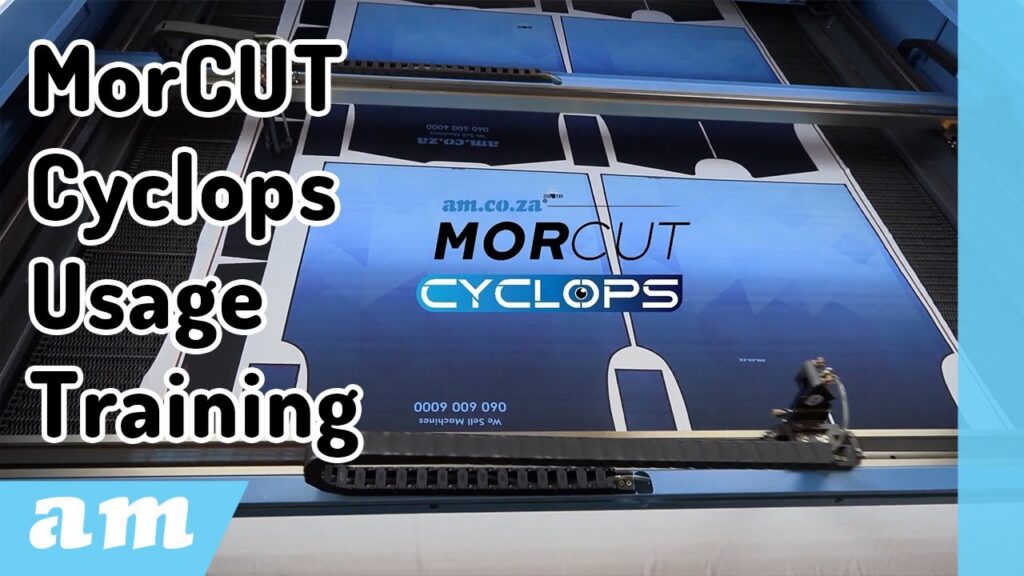
A Complete Fabric Cutting Guide with Clem Da Matta Frizado from Smash Apparel
Clem Da Matta Frizado from Smash Apparel recently shared an in-depth, hands-on demonstration of the MorCUT-Cyclops Textile Laser Cutting Machine — a precision dual-laser cutter designed for the garment and textile industry. Whether you’re using the same model or a newer version, his detailed breakdown of setup, calibration, and cutting tips provides everything you need to achieve perfect results every time.
Getting Started: Loading the Fabric
The process begins with proper fabric loading, which is critical to ensure smooth feeding and accurate cuts.
- Always load the fabric over the front of the rollers, not through the middle.
- If the fabric goes underneath, the sensor at the bottom will detect an obstruction and stop the rollers.
- The fabric should pass below the steel pop, above the first bar, and below the second bar before being secured into the take-up unit at the back.
Ensure both sides of the roller unit are evenly spaced to maintain straight feeding. Once aligned, switch to auto mode so the machine’s sensors can guide and correct the fabric alignment automatically.
Setting Up the Cut
When it’s time to cut, Clem recommends using the PowerCut software included with the MorCUT-Cyclops. His standard workflow covers around 90% of their production needs.
- Make sure your print outline is 4 mm wide and fully closed.
- Always place the outline on the outside of the design — this allows the machine to cut 3 mm inside the line, ensuring the correct final size.
In the software, Clem prefers using “minimum” channel mode, which uses black-and-white contrast to help the camera detect outlines clearly. The machine is set to recognise black edges, and the offset is typically adjusted to -3 mm for internal cutting precision.
Fine-Tuning the Vision System
The MorCUT-Cyclops’ built-in camera captures an image of the cutting area to help align your design. Clem keeps most image-related settings at zero, minimising the risk of the software detecting inner design elements rather than the outer edge.
Adjusting line straightness to around 70% ensures smoother, faster laser motion and cleaner cuts. Smaller details like width and height thresholds can be set to ignore elements under a certain size — useful for avoiding unnecessary cuts or misreads.
Preparing the Machine for Cutting
Before cutting begins:
- Turn on the lasers, chiller, and extraction fan.
- Ensure Laser 1 is positioned at the top-right rear corner and the B-axis moves fully to the front-left.
- Centre your fabric — since the machine is calibrated for 1.6 m × 1.5 m, off-centre loading can cause cutting inaccuracies.
Clem cuts most fabrics at 40% power, 30% minimum, and a speed of 300 mm/s. Remember: thicker fabrics require slower speeds rather than higher power for best results.
Match Test and Cutting Control
Using Match Test allows you to preview where the laser will cut before starting. Clem emphasises using the “Cut” command for manual control — not “Start”, which triggers automatic conveyor feeding.
Once complete, the MorCUT-Cyclops automatically advances the fabric approximately 1 500 mm and repeats the process after a brief five-second delay — ideal for continuous production.
You can stop the machine at any time via the physical stop button, the software stop option, or the LCD display.
Continuous Cutting and Conveyor Settings
When running continuous cuts, ensure the fabric isn’t too far forward to avoid overlapping patterns. In the Send Setup, Clem uses:
- Smart Send
- Up and Down Interact
- Close Send settings
The send delay is set to five seconds, giving just enough time to remove the previous fabric before the next cycle starts automatically.
Troubleshooting & Optimisation
If you notice partial cuts, your speed is likely too high. For example, doubling the speed to 600 mm/s can cause the laser to only score the surface without cutting through — leading to frayed or damaged material.
To fix this, reduce speed rather than increasing power. This ensures a cleaner edge and prevents the fabric from laddering.
Extra Tips from Clem
- Calibration: If your cuts drift from the printed lines, reload the calibration image and select “C” for calibrate to reset factory accuracy.
- Camera Maintenance: Clean the top camera lens regularly, as smoke from cutting can cloud it and affect accuracy.
- Interfacing Trick: For added stability, place interfacing glue-side up beneath your fabric before cutting. Once pressed, the interfacing bonds perfectly, keeping your material firm and aligned.
Final Thoughts
Clem wraps up by emphasising that while the MorCUT-Cyclops software offers many advanced settings, the basic configuration he demonstrated works perfectly for 90% of jobs.
“Like any other software, you can go more intricate,” he says, “but these are the settings we use every day — and they work without any problems.”
With his practical setup, clear explanations, and production-tested tips, Clem’s tutorial makes operating the MorCUT-Cyclops Textile Laser Cutting Machine straightforward for anyone in fabric printing or apparel manufacturing.
In a time where AI and smart technologies are transforming industries, AM.CO.ZA has emerged as a leader in CNC routers and printing machines. With more than 11 years of experience, they offer a diverse range of advanced products, including CNC Routers, Large Format Printers, Vinyl Cutters, Laser Cutters, Plasma Cutters, and DTF Printers. Their solutions serve a wide array of sectors, from manufacturing and engineering to the creative arts.
Machines, Consumables and Parts Available from https://buythis.co.za/
For more info on Advanced Machinery visit https://am.co.za/
Subscribe to AM.CO.ZA’s YouTube Channel: https://www.youtube.com/@AchievementMatters?sub_confirmation=1
Chat with us by sending “hi” on WhatsApp to 060 600 6000.